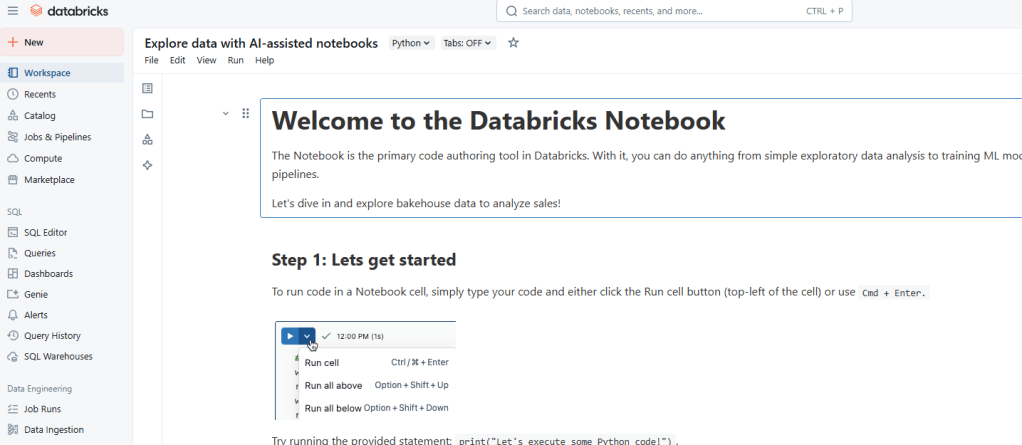
I’m excited to share some quick tips I’ve been learning during my journey with Databricks and Python. These small tricks are helping me work more efficiently and make the most out of these powerful tools.
1. Use Magic Commands in Databricks
Leverage %magic commands like %run, %fs, and %sql to streamline your workflows. These commands allow you to perform various tasks directly within notebooks, saving time and reducing context switching.
2. Efficient Data Exploration
Use the display() function in Databricks to quickly visualize DataFrames. This makes it much easier to understand your data at a glance and identify patterns or issues early on.
3. Commenting Made Easy
Select multiple lines of code and press Ctrl + / (Windows) or Cmd + / (Mac) to quickly comment or uncomment code blocks. This simple shortcut keeps your code clean and saves time during debugging or experimenting.
4. Python List Comprehensions
Write cleaner and more efficient loops with list comprehensions. For example:
squares = [x**2 for x in range(10)]
This syntax is concise and improves readability.
5. Leverage Built-in Libraries
Python’s standard libraries like pandas, numpy, and matplotlib are incredibly powerful for data manipulation and visualization. Exploring and integrating these libraries into your workflow can significantly boost productivity.
Wrapping Up
Learning new tools and techniques is an ongoing journey. These quick tips are just the beginning, and I look forward to discovering more ways to optimize my data workflows.
Would love to hear your favorite tips or tools in data engineering and analytics — drop a comment below!
 Laura Learns Data
Leave a comment